The Juicebox MCP Server brings your Juicebox insights into Claude, ChatGPT, and other AI tools. Connect it in a few clicks, then spin up Agents with full context, pull team usage insights, and build custom reports without leaving your assistant.


Today, we’re excited to introduce the Juicebox MCP Server. It connects Juicebox to the AI assistants your team works in every day, so you can spin up Agents, pull usage insights, and build custom reports using plain language.
Watch the launch video to see our favorite use cases, featuring our engineer, Tracy.
Here’s a deep dive into what you can do:
🔌 What’s an MCP server?
A quick primer before we get into the use cases
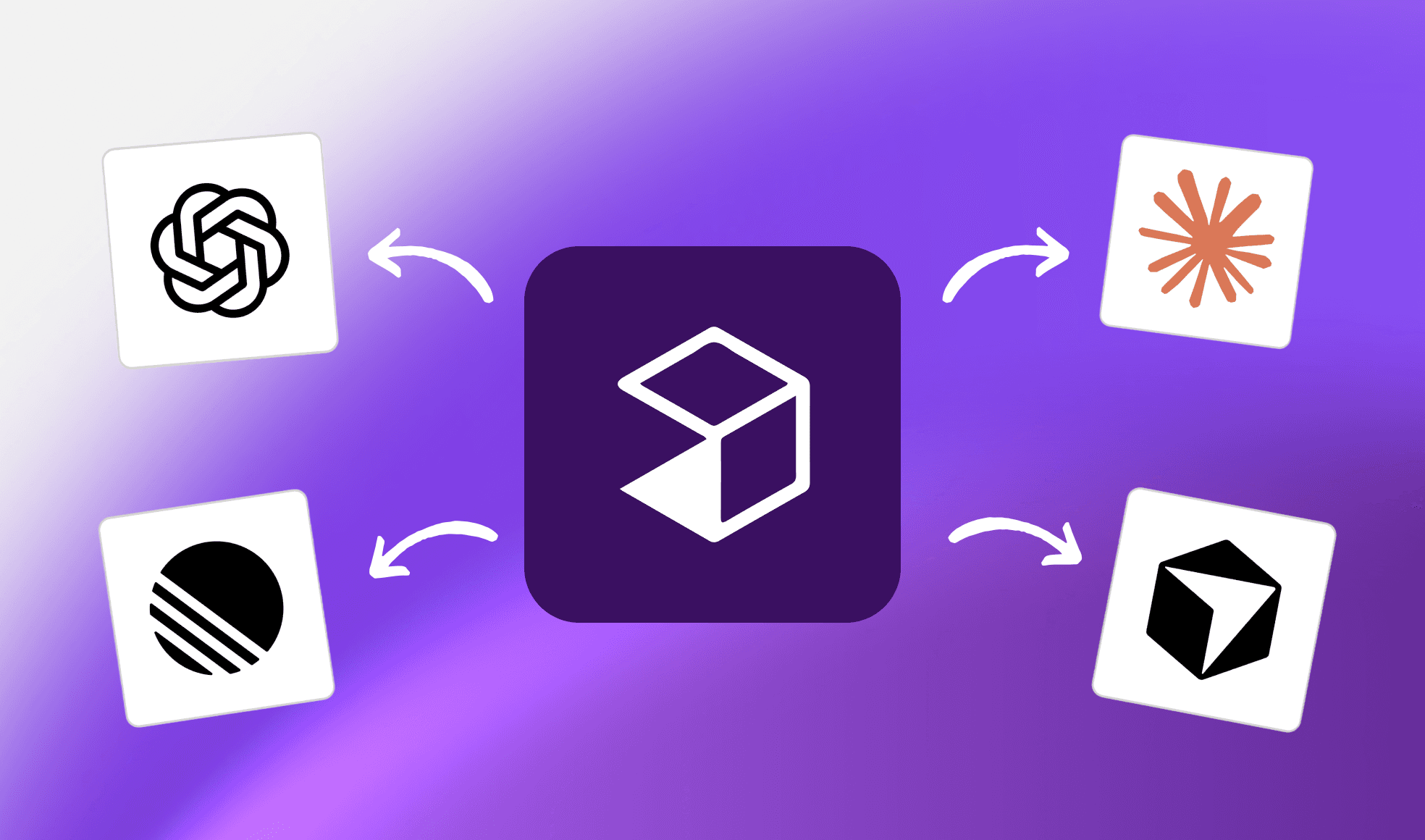
MCP (Model Context Protocol) is an open standard that lets AI assistants like Claude and ChatGPT connect directly to Juicebox.
With the Juicebox MCP Server, your team can spin up Juicebox Agents, pull usage insights, and build custom reports using natural language inside Claude, ChatGPT, and any MCP-compatible app.
👉 Read more in our product docs
🔗 How to connect the Juicebox MCP server
The Juicebox MCP Server is listed in the connector directories for both Claude and ChatGPT, so you can add it the same way you’d add any other app.
Connecting in Claude
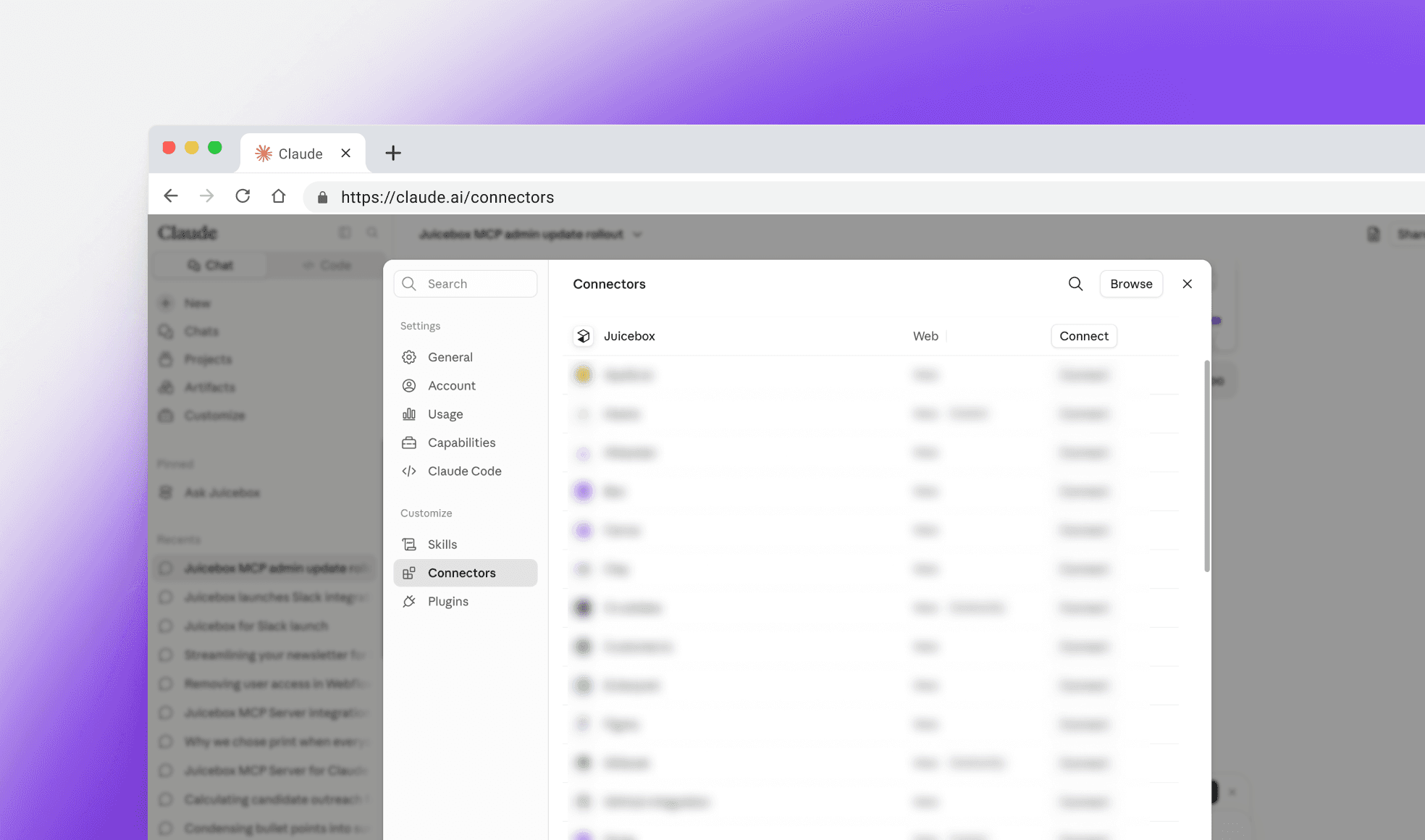
Open Settings and go to Connectors.
Click Browse connectors and search for Juicebox.
Click Connect and sign in with your Juicebox account.
Approve the permissions screen. Juicebox will now appear in the tools menu of any new chat.
Connecting in ChatGPT
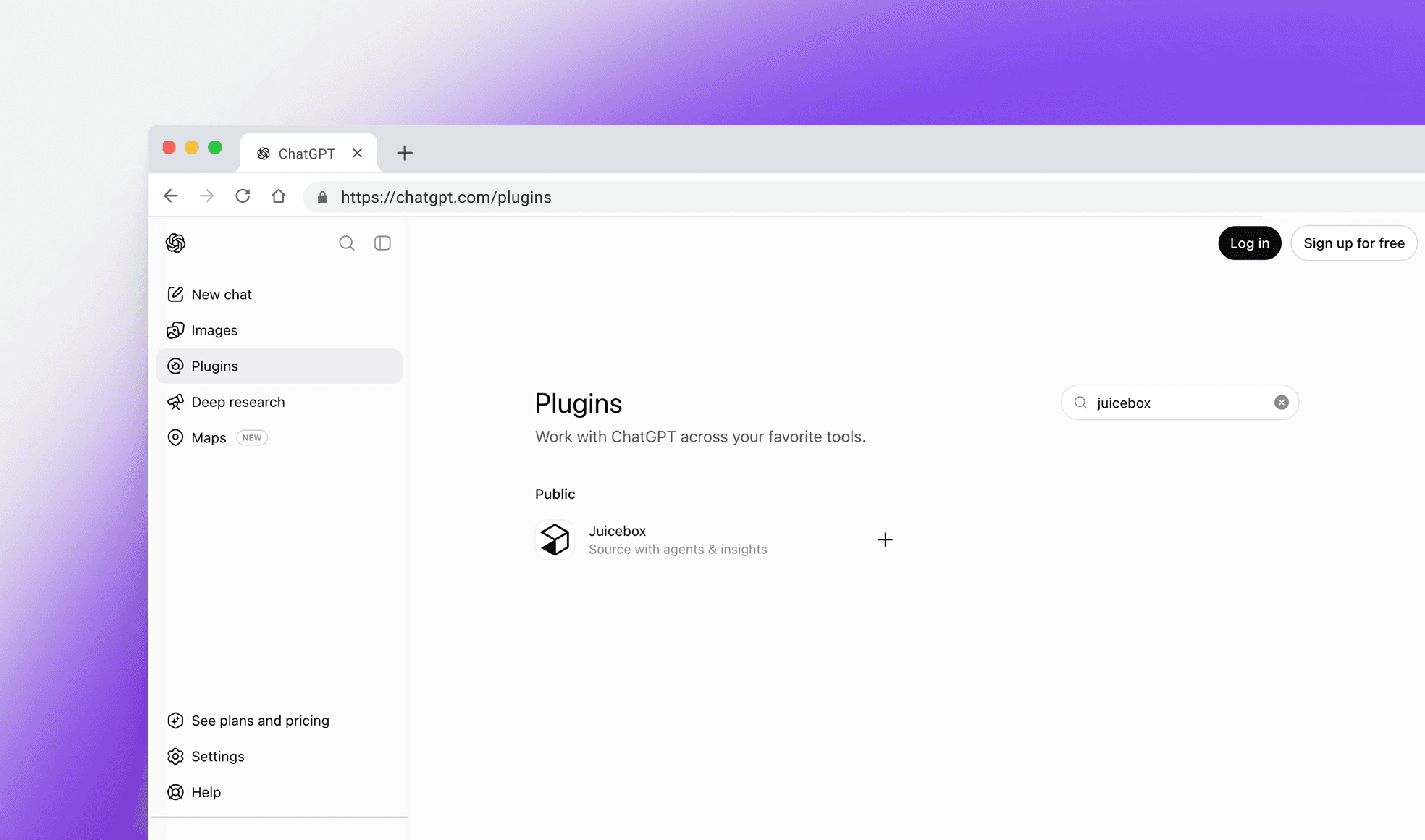
Open Settings and go to Apps & Connectors.
Search the directory for Juicebox and select it.
Click Connect and sign in with your Juicebox account.
Approve access. You can then enable Juicebox from the tools menu in any conversation.
Other MCP-compatible apps
The Juicebox MCP Server works with any client that supports the Model Context Protocol, including Cursor, Claude Code, and other AI tools. Add it as a remote MCP server using the URL in our docs and authenticate with your Juicebox login.
👉 See the full setup guide in our docs
📊 Build custom insights with Juicebox
Answer questions about your searches, shortlists, and outreach
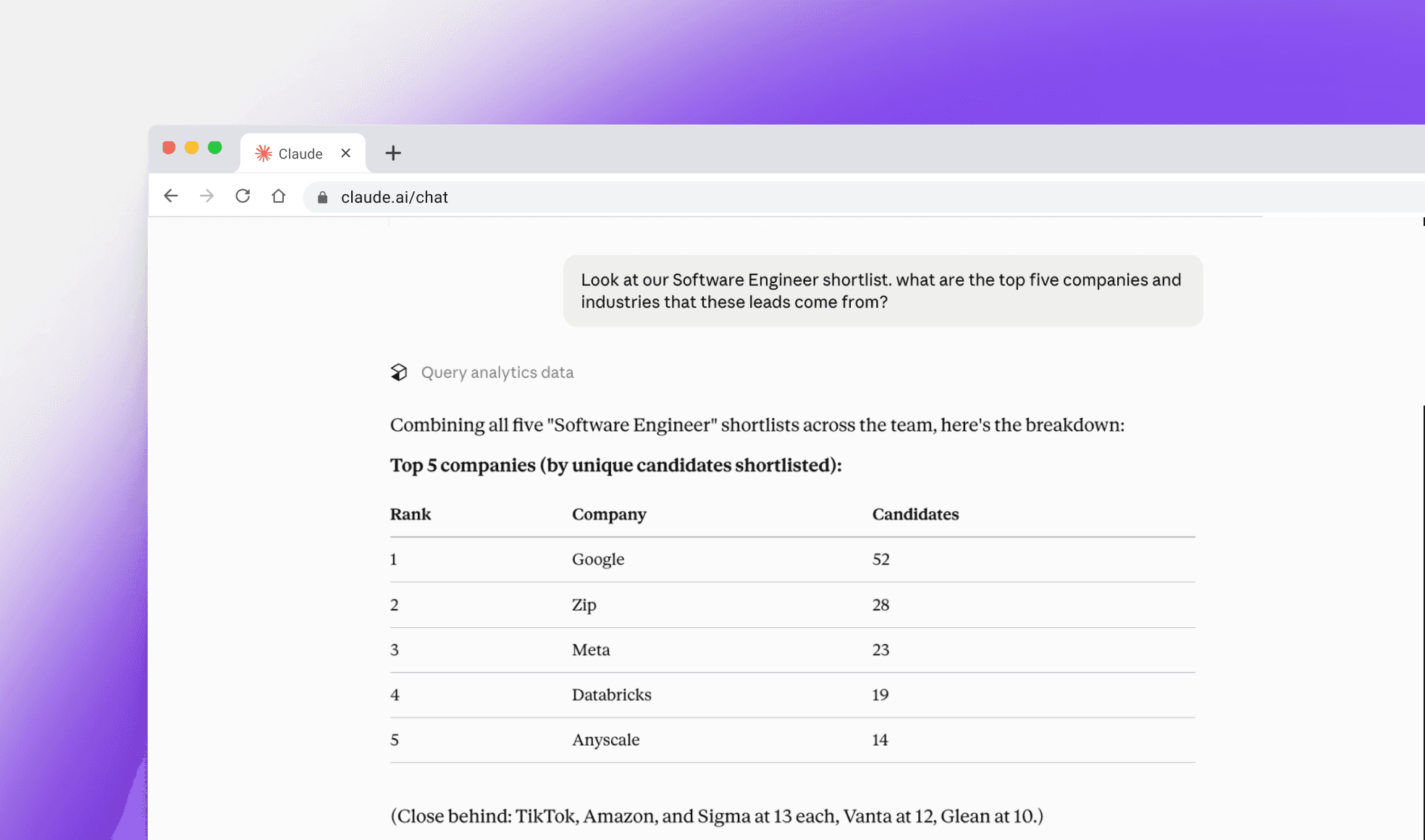
Starting today, you can connect the Juicebox MCP Server to your favorite AI tools and customize or automate any insight, including:
Team usage: searches, shortlists, and profiles viewed by recruiter
Project performance: how individual role searches are progressing
Talent pipeline: break down a shortlist by location, experience, and more
Outreach effectiveness: reply rates across sequences and projects
You can also combine data across your recruiting tools to build custom reports for hiring managers and other stakeholders.
👉 Connect the Juicebox MCP Server
🤖 Launch a Juicebox agent with full context
Start sourcing with context from across your recruiting stack
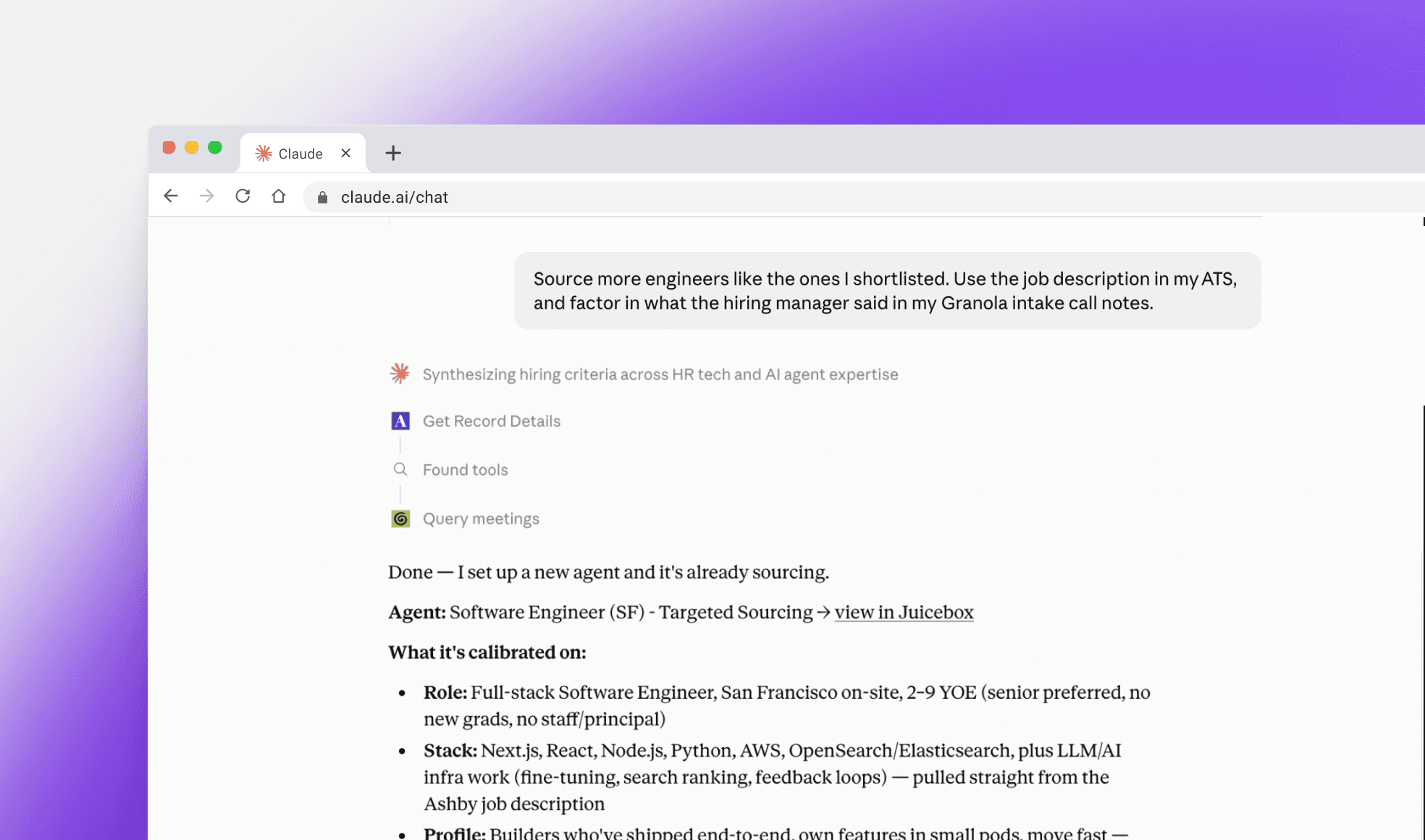
Kick off a Juicebox Agent calibrated with context from your other recruiting tools, including:
ATS job descriptions and notes
Intake call notes from notetakers
Org memory from Juicebox, and more
If you’ve connected these tools to your AI app, Juicebox takes that context and builds an Agent that starts sourcing. Leads land in your project ready for your approval.
👉 Connect the Juicebox MCP Server
🔐 Data access via the MCP server
Your Juicebox permissions carry over, wherever you connect
Anyone on a paid Juicebox plan can connect the MCP Server with their existing Juicebox account.
Data access mirrors the permissions you already have in Juicebox, so you’ll see the same data through the MCP Server that you see in the app. If a shortlist, project, or report is visible to you in the app, it’s available in your AI tools. If it isn’t, it stays private.
That’s a wrap!
Try all these new features on Juicebox – live now.
We’d also be glad to discuss further on a call. Please feel free to reach out to sales@juicebox.work or book a demo here: https://juicebox.ai/demo
Sign up for Juicebox (it's free!)
Run your first search for free. Find and engage top talent across 800M+ profiles. Trusted by 5,000+ customers.